
Loading the illustrated journey…

The animation could not load. You can read the full story below.

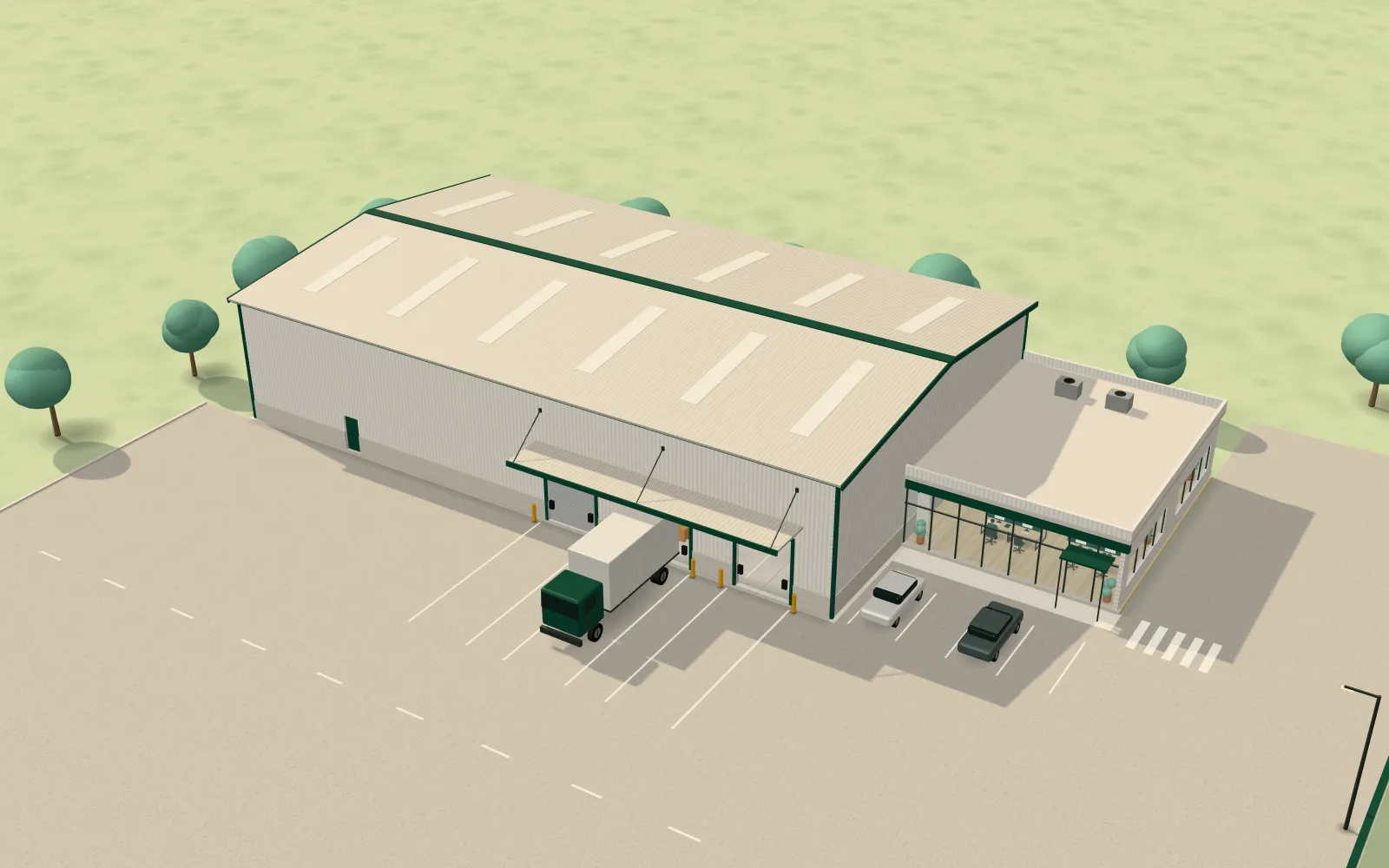
Illustrated campus: a warehouse with loading docks, an office annex and a yard with a truck at the dock.

Procurement software for Indian enterprises

Know what you ordered, what arrived, and what to pay.

Kraya is one system for your purchase, stores and accounts teams. Raise a request, collect quotes, send the purchase order, check goods at the gate, and match the invoice before you pay.One system for purchase, stores and accounts: from request and quotes to goods checked and invoice matched.

Scroll to follow one purchase

Matched. Ready to pay.

One record, from request to payment.

Every team works on the same purchase, so nothing gets lost between teams.

Drag to look around, or tap a stop to replay it.

Skip the story
  1. Indent. A department raises an indent for what it needs.
  2. Stock check. Stores checks stock. If the material is there, it is issued; if not, a purchase requisition goes to purchase.
  3. RFQ. Purchase turns the requisition into one RFQ and compares the quotes side by side.
  4. Purchase order. The best quote becomes a purchase order and goes through your approvals.
  5. Dispatch (ASN). The supplier dispatches against the PO, so the receiver knows what’s on the way.
  6. Gate entry. The truck is checked against the PO at the gate and weighed.
  7. Quality check. Quality tests a sample against the PO’s specification.
  8. Goods receipt. Stores counts what actually arrived.
  9. Invoice match. Accounts checks the invoice against the PO and the receipt, and any difference shows up.
  10. Ready to pay. The difference is settled before payment, not discovered after it.

Purchasing, without the full picture

The purchase moves. The information stays scattered.

Paper requests. Excel comparatives. WhatsApp approvals. A manual trail that is hard to follow, check and control.

Comparative_v7.xlsx

Quote comparative

Quotes copied in. Revisions updated by hand.

SupplierUnit rate (Rs/box)FreightPayment terms
Supplier A52Not addedPending
Supplier B54Included30 days
Supplier C55Not addedPending

WhatsApp approval

Please review Comparative_v6.xlsx.

Approved. Proceed.

Approval refers to v6

Sheet: v7. Approval: v6. Which revision is approved?

Also kept separately

Paper indent

Material request

Department
Production
Required by
Not confirmed
Approval
In a separate thread

To be followed up

ERP

PO_SupplierB.pdf

Purchase order

Sent from the ERP by email

Supplier
Supplier B
Comparative used
Not attached
Receipt and invoice
Tracked elsewhere

Receiving register

Material received

QC status
Awaiting update
Accounts copy
Not linked here
  • Manual effort Copying. Checking. Chasing.
  • Limited visibility No shared view of commitments.
  • Revenue leakage risk Gaps are harder to catch.

From the first request to final payment, the gaps run across the whole purchase.

After Kraya

Everything connected. One place to see it.

From indent to vendor payment, keep the work connected in Kraya.

Illustration of one purchase record in Kraya: 100 industrial bearings. Two supplier quotes arrive on WhatsApp and Kraya organises them into a comparative. A buyer chooses Supplier B and the purchase order follows from that quote. The same record then shows delivery, receipt and QC, the invoice and vendor payment. 96 of 100 units were received against an invoice for 100, so a 4-unit difference is open for review and payment is awaiting that review.

KrayaPurchase workspace

IND/26-27/0532

Industrial bearings 100 units

Next: review 4-unit difference

  1. Indent

    Raised by maintenance

  2. RFQ

    Sent to 2 suppliers

  3. Comparative

    Built automatically from supplier quotes

    SupplierRate per unitLead time
    Supplier A₹500 per unit10 days lead time
    Supplier BChosen by buyer₹520 per unit7 days lead time
  4. Approval

    Buyer chose Supplier B

  5. Purchase order

    100 units at ₹520/unit

    PO/26-27/0189

  6. Delivery

    Delivered

  7. Receipt and QC

    96 received, QC recorded

  8. Invoice

    100 invoiced

    Ordered
    100
    Received
    96
    Invoiced
    100

    4 units differ. Open for review before payment.

  9. Vendor payment

    Awaiting review

Less chasing. A clear view of what comes next.

Trusted by

  • Dinshaw's
  • MMP
  • MKS Ventures
  • Global Scientific Inc.
  • Confidence
  • Haldiram's
  • K S Cheema Group

Explore the platform

One platform. Explore every part.

Explore the work behind your procurement process.

Source & order

Get vendor details ready for review.

Get vendor details ready for review.

Vendors submit their information. Kraya's AI checks their GST, PAN and MSME compliance before the profile reaches your team, so you approve a pre-validated profile.

  • Supplier self-entry
  • AI compliance checks
  • Buyer approval

More about Vendor onboarding

Vendor profile Supplier B

Company details
Filled by supplier
GSTIN
Entered
PAN
Entered
MSME status
Entered
  • GST certificate Submitted
  • PAN card Submitted
  • MSME certificate Submitted

GST check: result availablePAN check: result available

Ready for buyer review

Start with organised procurement records.

Start with organised procurement records.

Keep the vendor and item information your purchasing process depends on in one place.

  • Vendor records
  • Item information
  • Shared context

More about Master data

Requirement

100 bearings

Maintenance

Item record

Industrial bearing

Unit
Piece
Category
Bearings
Vendors
Supplier A, Supplier B

Vendor record

Supplier B

Supplies bearings

Both references point to the same item record.

Give every requirement a clear starting point.

Give every requirement a clear starting point.

Raise purchase requirements and keep their context with the work that follows.

  • Requirement
  • Quantity
  • Request context

More about Indents & requests

Indent New request

Requirement
Industrial bearings
Quantity
100 units
Department
Maintenance
Request context
Planned maintenance

Submitted for review

Next

Sourcing

RFQ to suppliers, with this requirement attached

Make the quotes comparable.

Make the quotes comparable.

Supplier quotes become a comparative in Kraya, ready for your team to review.

  • Quote collection
  • Automatic comparative
  • Human choice

More about RFQ & comparative

WhatsApp Supplier quotes

Supplier A ₹500/unit, 10 days

Supplier B ₹520/unit, 7 days

Comparative Requirement: 100 bearings

SupplierRate per unitLead time
Supplier A₹50010 days
Supplier B₹5207 days

Comparative prepared automatically. Your team makes the choice.

Keep the decision with the order.

Keep the decision with the order.

Record the buying decision and carry its context into the purchase order.

  • Human decision
  • Configurable approvals
  • Connected PO

More about PO & approvals

Comparative

SupplierRate per unitLead time
Supplier A₹50010 days
Supplier B Selected by buyer₹5207 days

Approval route: as set for MaintenanceApproved by approver

Purchase order PO/26-27/0189

100 units at ₹520/unit

Supplier B, from the selected quote: 7 days lead time

Bring competitive bidding into sourcing.

Bring competitive bidding into sourcing.

Explore reverse auctions as part of your supplier-selection process.

  • Supplier bids
  • Comparable offers
  • Buyer decision

More about Auctions

Bearing supply auction Sample event

SupplierSample bid per unitNote
Supplier 1₹540
Supplier 2₹525Bid updated Lowest sample bid
Supplier 3₹530Lowest sample bid

Sample bid values for illustration only.

Buyer reviews the bids

Move & receive

Keep the work moving after the PO.

Keep the work moving after the PO.

Connect purchase orders with dispatch information and advance shipment notices.

  • PO context
  • Shipment notice
  • Delivery visibility

More about Post-PO & ASN

Purchase order PO/26-27/0189

Item
Industrial bearings
Ordered
100 units
Supplier
Supplier B

Advance shipment notice

Item
Industrial bearings
Expected quantity
100 units
Dispatch details
Added by supplier

DispatchedReceipt not yet recorded

Bring gate activity into the purchase record.

Bring gate activity into the purchase record.

Keep vehicle entry and exit information connected to inbound work.

  • Vehicle entry
  • Gate records
  • Exit status

More about Parking & gate

Gate log Inbound shipment, PO/26-27/0189

  1. Vehicle entryRecorded at the gate
  2. Linked to shipmentMatched to the advance shipment notice
  3. UnloadingHanded to receiving
  4. Vehicle exitRecorded as a separate event

Connect material requirements with stock-related work.

Connect material requirements with stock-related work.

Bring inventory and issuance into the same operational picture as purchasing.

  • Material requirements
  • Stock context
  • Issuance workflow

More about Inventory & issuance

Requirement

100 bearings

Maintenance

Stock record

Industrial bearings

Stock context for this item

Material issue

Issued to Maintenance

Issue recorded against the requirement

Requirement, stock and issue in one picture.

Bring transport into the operational picture.

Bring transport into the operational picture.

Connect transport-related work with the movement of material.

  • Transport operations
  • Material movement
  • Linked records

More about Transport & fleet

Shipment For PO/26-27/0189

FromSupplier B
ToPlant receiving

Industrial bearings, 100 units

Transport assignmentVehicle assignedLinked to this shipment

Include distributor operations in the wider workflow.

Include distributor operations in the wider workflow.

Bring distributor-related processes into the platform's operational scope.

  • Explore the scope for your distributor network

More about Distributor management

Distributor record

Sample distributor

Region
Sample region
Network
Your distributor network
Linked operational recordRelated process, connected to this distributor

The scope is set with your distributor process.

Check & control

Keep what arrived with what was ordered.

Keep what arrived with what was ordered.

Record material received against its purchase context.

  • PO quantity
  • Received quantity
  • Receipt record

More about Goods receipt

Purchase order PO/26-27/0189

Ordered 100 units

Industrial bearings

Goods receipt

Received 96 units

Receipt recorded against the PO

Short by 4 units, for review

Keep quality checks with the receipt.

Keep quality checks with the receipt.

Record batch-wise checks and test results before the invoice moves ahead.

  • Batch details
  • Test results
  • Review context

More about Quality control

Receiving batch Batch 1

Item
Industrial bearings
Quantity
96 units
Receipt
Recorded
PO
PO/26-27/0189
Quality checkTest result recordedFor review

Check the invoice in its purchase context.

Check the invoice in its purchase context.

Reduce manual invoice handling and compare invoice details with related purchase and receipt records.

  • Invoice capture
  • PO-GRN-invoice checks
  • Differences for review

More about Invoice automation

Invoice Sample invoice

Supplier
Supplier B
Quantity
100 units
Rate
₹520/unit
Purchase order
PO/26-27/0189

Quantity check

Ordered
100
Received
96
Invoiced
100

4 units differ. Ready for review.

Keep payment status with the purchase.

Keep payment status with the purchase.

Follow the payment stage with the supporting order, receipt and invoice context.

  • Related invoice
  • Review status
  • Payment visibility

More about Vendor payments

Vendor payment Supplier B

  • Invoice: 100 units
  • Receipt: 96 units
  • PO: 100 units

Status Awaiting review

Open: 4 units difference between receipt and invoice.

See spend in a clearer context.

See spend in a clearer context.

Review procurement data through reports and dashboards that fit the work.

  • Spend reports
  • Procurement context
  • Management review

More about Spend analytics

Spend by category Sample data, ₹ lakh

All plantsPlant 1

Scale: 0 to 20 lakh.

Keep planned spend in the buying conversation.

Keep planned spend in the buying conversation.

Review purchasing requirements alongside the spending plan.

  • Planned spend
  • Purchase requirement
  • Review context

More about Budgeting

Spending plan This year

Maintenance spares

Requirement under review

100 bearings

Quote: ₹520/unit

The requirement is reviewed alongside the plan.

Your existing ERP

Keep your ERP. Connect the purchasing process.

Kraya connects with the ERP you already run. For a legacy ERP, we assess the available interfaces and agree the integration scope.

Legacy ERP integration depends on the available APIs or interfaces, access and system configuration.

Discuss your ERP setup
Kraya
  • Live connection
  • Live connection
  • Legacy ERP systems
Solid line: live connection. Dashed line: depends on your system's interfaces.

Kraya on mobile

For buyers. For vendors.

Choose the mobile download for your role.